Prop Firms Tradovate Prop Firm Trade Copier: Which Firms Allow It and How to Stay Inside the Rules A firm-by-firm table of copier and automation policy on Tradovate, checked September 2026, and how to copy across evaluations and funded accounts with per-follower sizing and account limits.
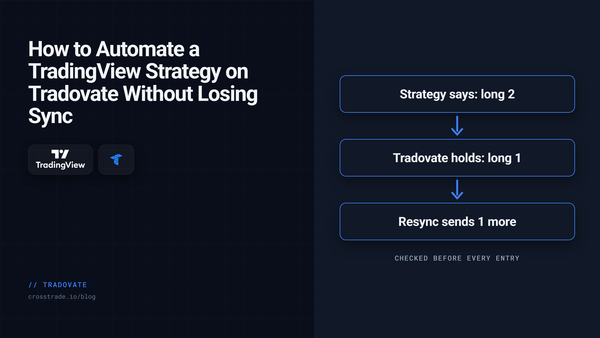
Tradovate How to Automate a TradingView Strategy on Tradovate with Strategy Sync A TradingView strategy only knows what it thinks it holds. How Strategy Sync checks the live Tradovate position before each entry, and pairs with a scale-out bracket.
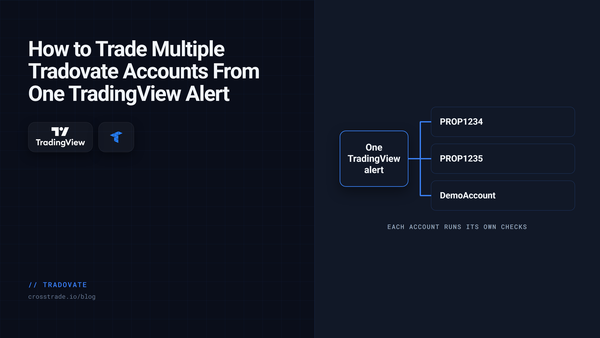
Tradovate How to Trade Multiple Tradovate Accounts From One TradingView Alert One TradingView alert can place the same order on every Tradovate account you name, or rotate through them one signal at a time. How it works, and when to move up to a copier.
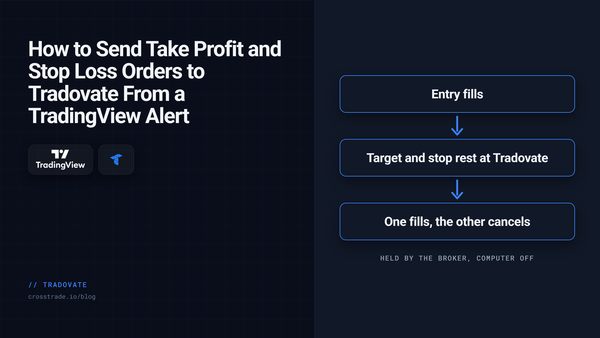
TradingView How to Send Take Profit and Stop Loss Orders to Tradovate From a TradingView Alert Brackets, scale-outs, native trailing stops, MIT and GTD: how to put exits on a Tradovate order from a TradingView alert, and which parts keep working with your computer off.
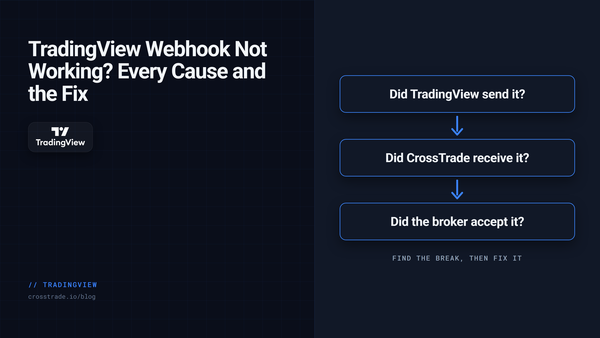
TradingView TradingView Webhook Not Working? A Step-by-Step Checklist A webhook that never turns into a trade is broken at one of four links. How to find which one in minutes, the common causes at each, and what every rejection message means.
Prop Firms How to Automate Boxcar Trading Accounts With TradingView and NinjaTrader 8 Boxcar Trading allows automated strategies and trade copiers on your own accounts. Here's how to run TradingView alerts through NinjaTrader 8, copy trades, and match Boxcar's rules.
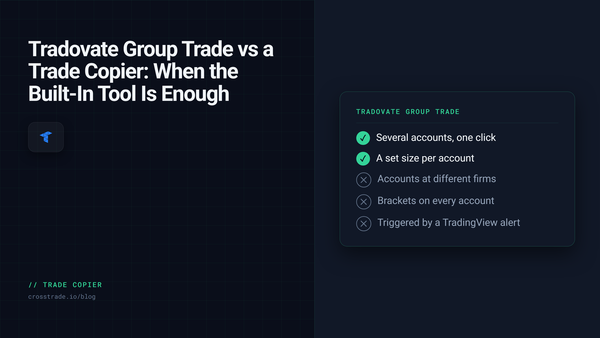
Trade Copier Tradovate Group Trade vs a Trade Copier: When the Built-In Tool Is Enough Tradovate's Group Trade trades several accounts in one click, with real limits: same provider only, no ATMs, fixed multiples, no external trigger. When it is enough, and when a copier is.
TradingView Which TradingView Plan Do You Need for Webhook Alerts? Every paid TradingView plan sends webhooks, so the real choice is alert count and alert lifetime. Which plan fits an automated setup, and the expiry rule that quietly switches bots off.
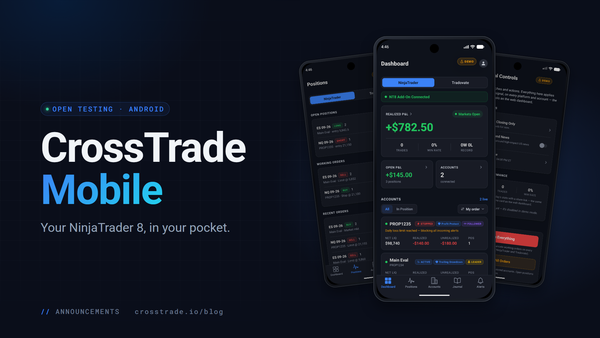
NinjaTrader CrossTrade Mobile Is Open to Every CrossTrade User The CrossTrade app for Android is open to every CrossTrade user. Watch P&L, flatten positions, cancel orders and reconnect data feeds on the NinjaTrader 8 running on your own PC, without a remote desktop or a VPS.
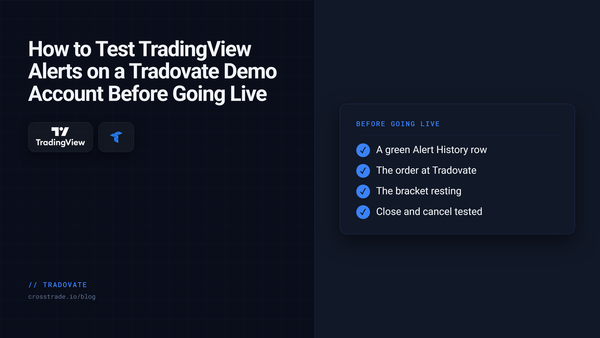
Tradovate How to Test TradingView Alerts to Tradovate Before Trading Live Use a Tradovate Demo account and CrossTrade Alert History to test a TradingView webhook before you consider a live workflow.
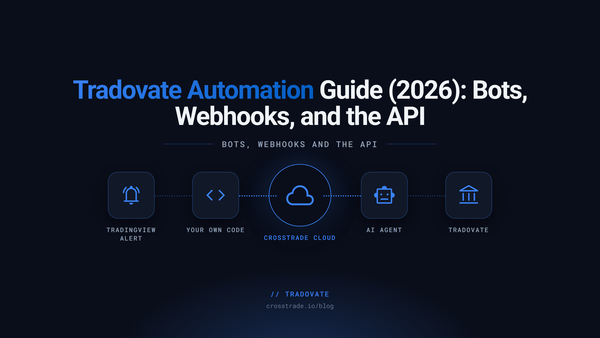
Tradovate Tradovate Automation Guide (2026): Bots, Webhooks, and the API Three ways to automate a Tradovate account: TradingView webhooks, your own code through an API, or an AI agent. What each needs, how to set one up, and the rules that run with your computer off.
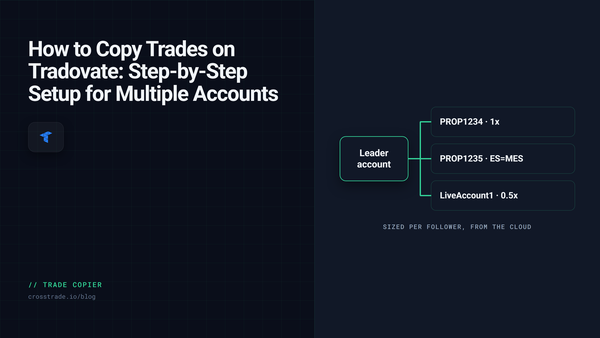
Trade Copier How to Copy Trades on Tradovate: Step-by-Step Setup for Multiple Accounts Copy one Tradovate account to many from the cloud. Which copy mode fits webhook trading, manual trading, or mirrored working orders, plus the sizing rules that keep each follower in bounds.
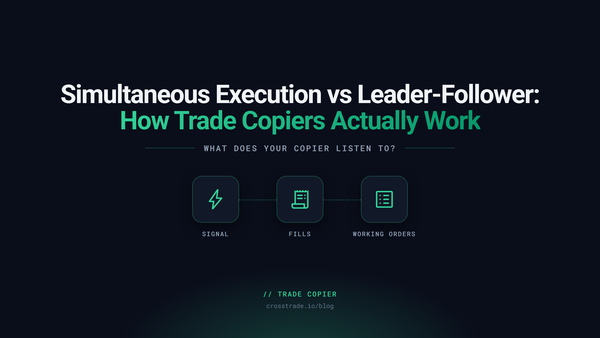
Trade Copier Simultaneous Execution vs Leader-Follower: How Trade Copiers Actually Work Simultaneous execution and leader-follower copying answer different questions. What each approach can and cannot copy on Tradovate, and how to test any copier in Demo first.
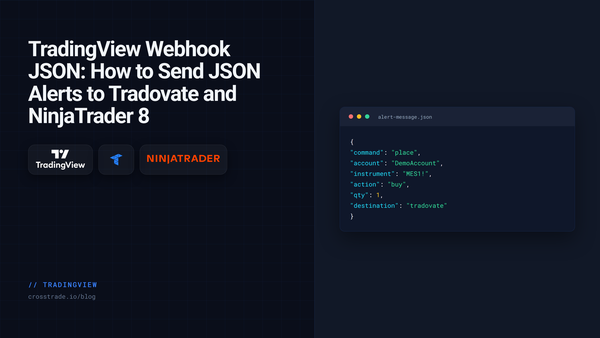
TradingView TradingView Webhook JSON: How to Send JSON Alerts to Tradovate and NinjaTrader 8 CrossTrade now reads TradingView webhook alerts written as JSON. Same field names as the key=value format, strict rules, and one field that routes the order to Tradovate or NinjaTrader 8.
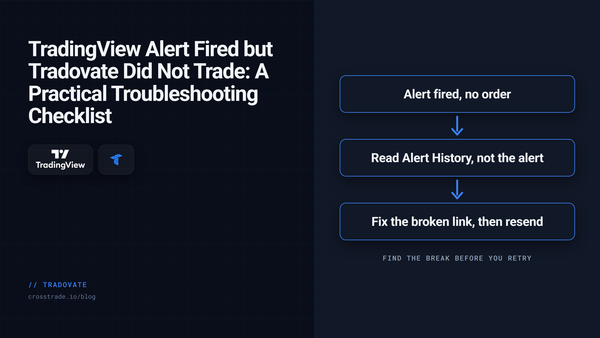
Tradovate TradingView Alert Fired but Tradovate Did Not Trade: A Practical Troubleshooting Checklist A simulation-first checklist for diagnosing a TradingView alert that fired but produced no visible Tradovate order. Verify delivery, payload, account, symbol, quantity, and order state.
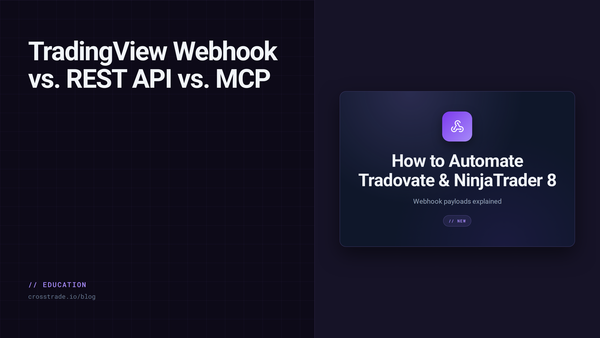
TradingView TradingView Webhook vs REST API vs MCP: How to Automate Tradovate and NinjaTrader 8 Choose webhook, REST, WebSocket, or MCP for TradingView automation across Tradovate and NinjaTrader 8, with the platform boundaries that matter.
Trade Copier Cloud Trade Copier: When You Really Can Trade Without a VPS A cloud dashboard does not always remove the execution platform. Learn what must stay online for NinjaTrader 8 and Tradovate trade-copying workflows.
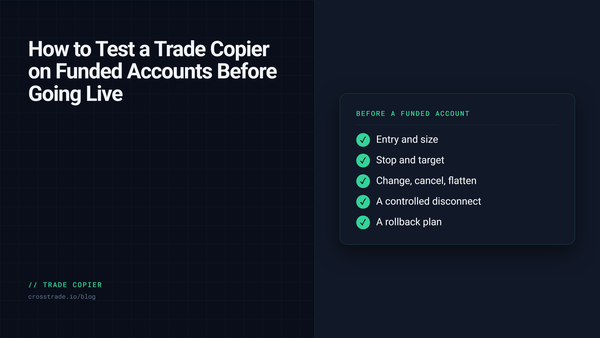
Trade Copier How to Test a Trade Copier on Funded Accounts Before Going Live A copied entry is not a complete test. Verify protection, sizing, recovery, logs, rules, and rollback before using a copier with a live or funded account.
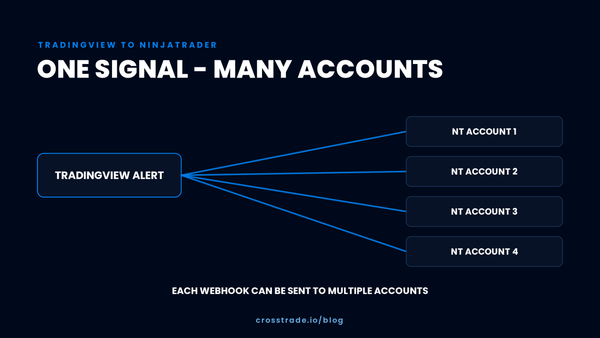
TradingView How One TradingView Alert Reaches Multiple NinjaTrader Accounts Follow one TradingView alert through CrossTrade to a NinjaTrader 8 source account and mapped followers, then verify the full workflow in simulation.
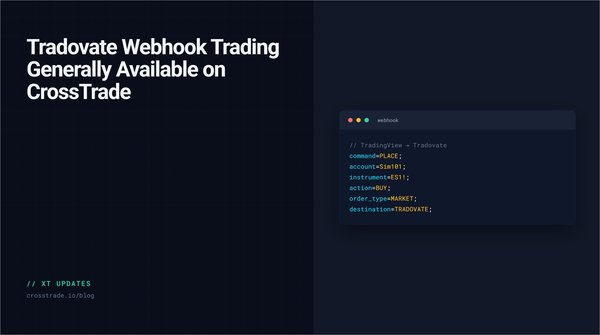
Tradovate Tradovate Webhook Trading Generally Available on CrossTrade Tradovate webhook routing is now generally available on CrossTrade, with cloud execution, native brackets, and no NT8 desktop or VPS required.
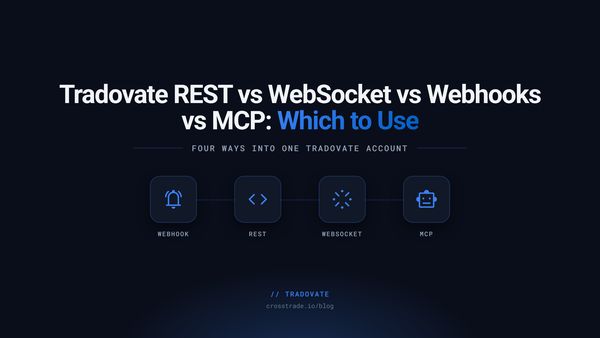
Tradovate Tradovate REST vs WebSocket vs Webhooks vs MCP: Which to Use Compare CrossTrade webhooks, REST, MCP, and the WebSocket for Tradovate. All four cloud paths are supported; the socket streams events and P&L but no market data.
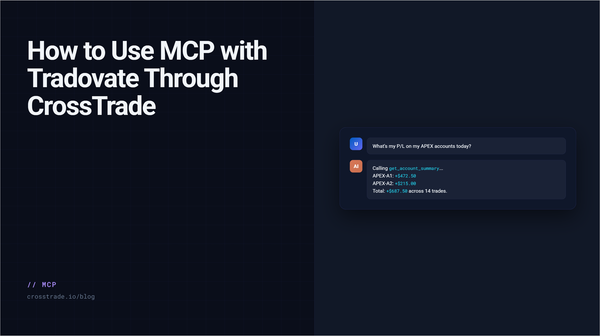
Tradovate How to Use MCP with Tradovate Through CrossTrade Connect an AI client to linked Tradovate accounts with CrossTrade MCP. Start with read scope, verify account state, and gate every trade-capable tool call.
Tradovate TradingView Webhook to Tradovate: Setup Guide (No VPS Needed) If your strategy runs on TradingView and your account runs on Tradovate, you should not need a Windows VPS just to move an alert from one cloud service to another. CrossTrade now routes TradingView webhooks directly to Tradovate through a secure cloud connection. Your computer can be off. NinjaTrader 8
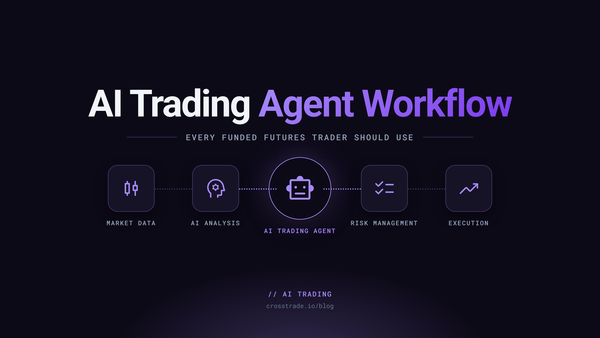
Prop Firms The First AI Trading Agent Workflow Every Funded Futures Trader Should Use Is Read-Only Funded futures rewards discipline. Read-only AI agents reinforce it. Daily review, journal analysis, and copier diagnostics in one conversation, with zero risk to the account.
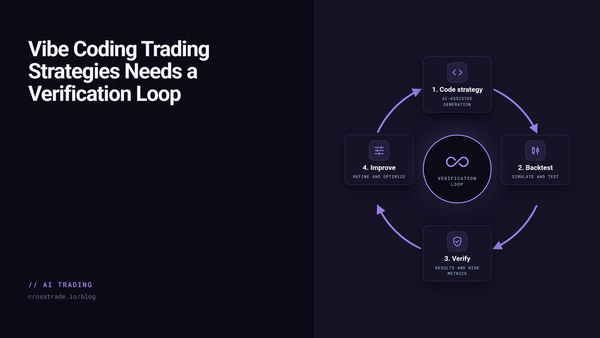
AI Trading Vibe Coding Trading Strategies Needs a Verification Loop Vibe coding is fine for weekend apps. Trading needs the next step: compile against the real platform, backtest in the real engine, and gate deployment behind explicit user confirmation.