What Is CrossTrade? The Complete Automation Suite for NinjaTrader
CrossTrade connects TradingView to NinjaTrader 8 with webhook automation, a trade copier, risk management tools, a REST API, and Chicago-based VPS hosting.

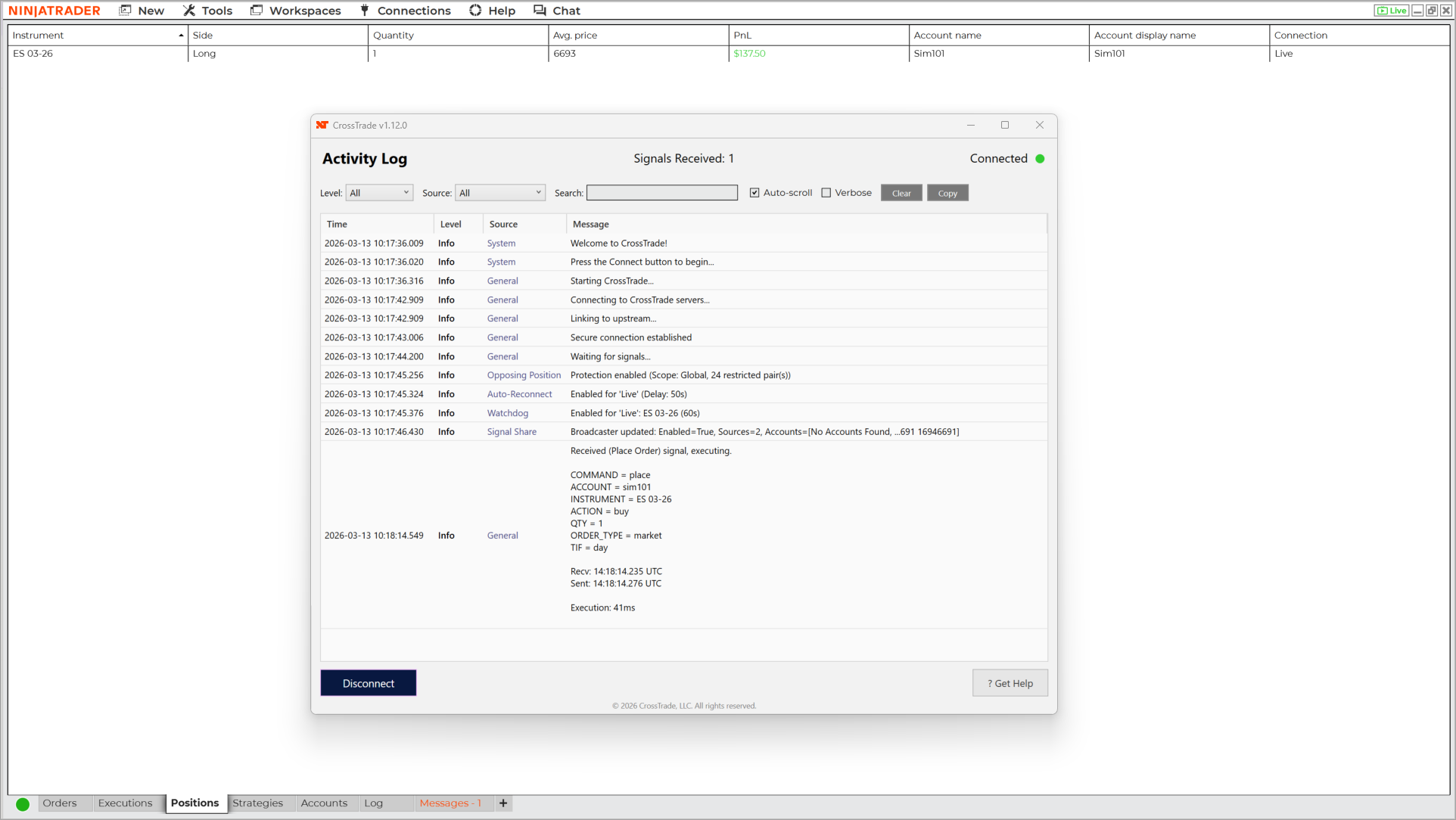
CrossTrade is a NinjaTrader 8 Add-On that turns TradingView alerts into executed trades on NinjaTrader. You build your analysis in TradingView, define your entry and exit logic as an alert, and CrossTrade handles the rest — parsing the webhook, routing the order to NinjaTrader's Automated Trading Interface (ATI), and confirming execution. The average time from webhook received to order instruction delivered is 34 milliseconds.
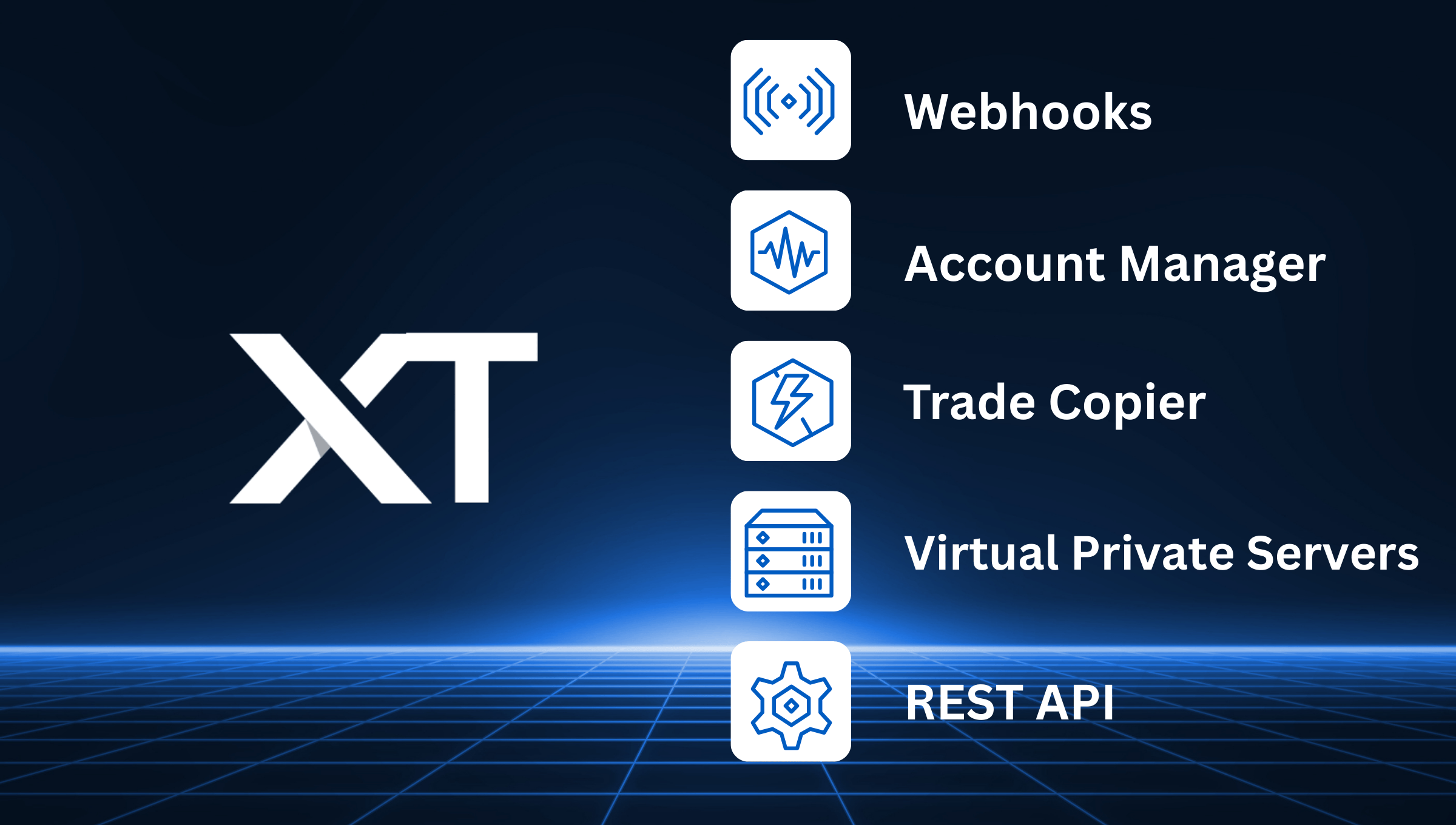
But CrossTrade is more than a webhook relay. It's a full automation suite: webhook alerts, a trade copier, account-level risk management, a REST API, and dedicated VPS hosting. If you're running a TradingView strategy across multiple NinjaTrader accounts, CrossTrade is the infrastructure that makes that work without duct-taping five different products together.
How It Works
The core workflow is straightforward. You create an alert in TradingView with your CrossTrade webhook URL and a command string that tells NinjaTrader what to do. When the alert fires, TradingView sends a POST request to CrossTrade's servers. CrossTrade validates the payload, maps it to the correct NinjaTrader command, and pushes the instruction to the XT Add-On running inside your NinjaTrader instance. The Add-On executes the order through ATI.
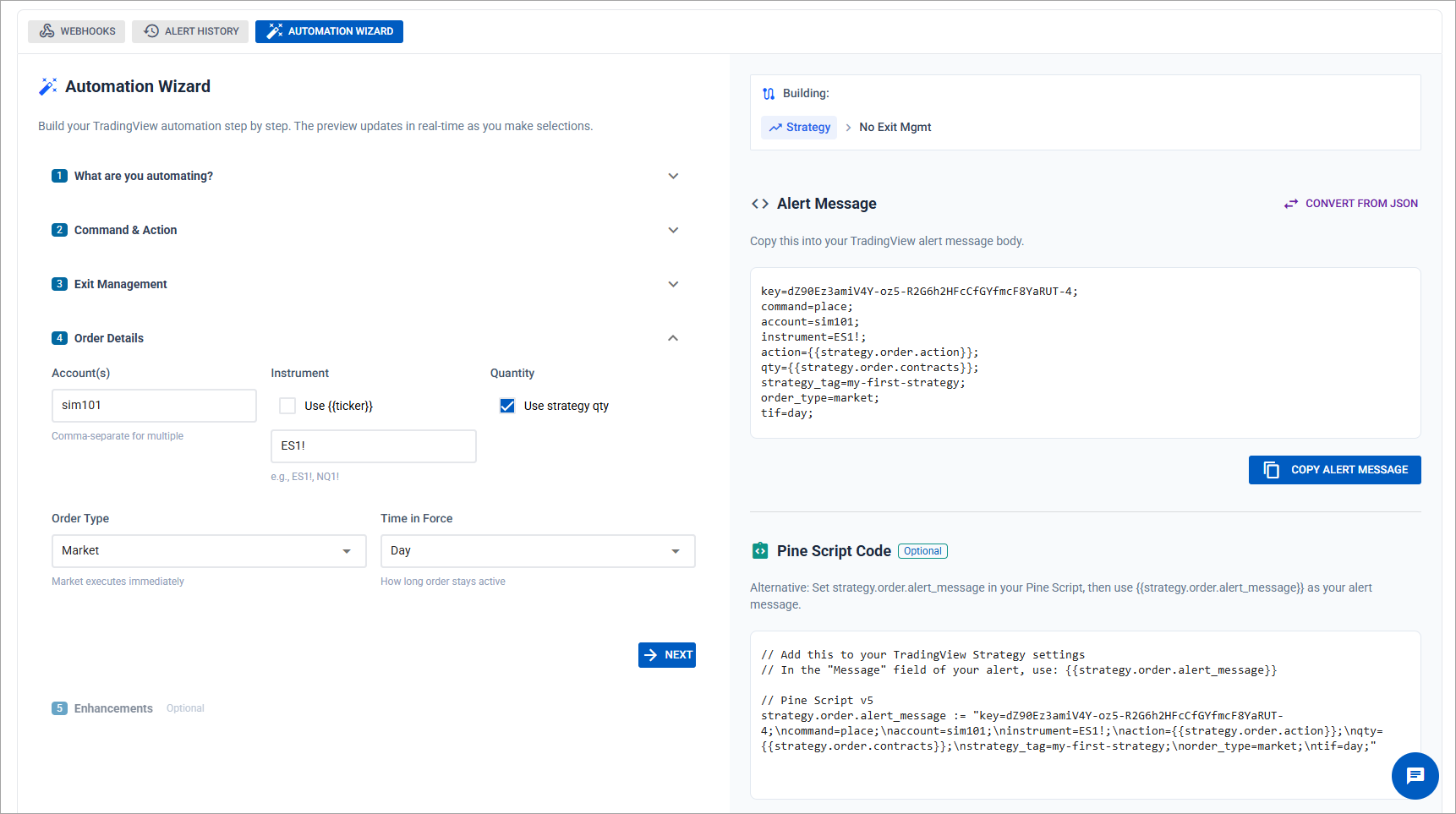
Here's what a basic alert message looks like:
key=your-secret-key;
command=place;
account=sim101;
instrument=ES 06-26;
action=buy;
qty=1;
order_type=market;
tif=day;
That's it. When TradingView fires this alert, CrossTrade places a market buy order for 1 ES contract on your sim101 account. You can add ATM strategies for bracket management, send to multiple accounts in a single alert, attach stop loss and take profit levels, or use the flatten_first enhancement to close any open position before entering the new one.
If you don't want to write command strings by hand, the Automation Wizard walks you through building a complete alert message with dropdowns and fields. Select your action, pick your order type, configure your brackets, and copy the finished command directly into TradingView.
What's Included
Webhook Alerts are the foundation. Every CrossTrade plan includes unlimited webhook processing with support for the full NinjaTrader ATI command set plus CrossTrade-specific enhancements like multi-account placement, Flatten First, strategy tagging for position ownership, and require market position filters that block signals when your account isn't in the expected state.
Trade Copier mirrors trades from a leader account to one or more follower accounts inside NinjaTrader. It supports ratio-based scaling, cross-instrument mapping (ES to MES, for example), and fills-only mode that waits for confirmed fills before replicating. If you're running multiple prop firm accounts and want to trade on one while the others follow, this is the tool.
NT Account Manager provides account-level risk controls directly inside NinjaTrader. Monitor Lock enforces daily profit targets and loss limits by locking your account when thresholds are hit. Outlier protection detects and blocks actions triggered by anomalous price data. These are the guardrails that keep your prop firm accounts alive when discipline alone isn't enough.
REST API gives you programmatic access to your NinjaTrader instance from anywhere. Query account state, submit orders, check positions, and manage your trading operation through standard HTTP requests. If you're building custom integrations, dashboards, or connecting third-party tools to NinjaTrader, the API is the way in.
VPS Hosting is available as an add-on. CrossTrade runs its own Chicago-based virtual private servers optimized for NinjaTrader, with low-latency connectivity to CME Group exchanges. If you don't want to keep a local PC running 24/7 or you need the reliability of a dedicated server for live trading, the VPS keeps your setup running around the clock.
Try CrossTrade free for 7 days — full access, unlimited alerts, no credit card required.
Who Uses CrossTrade
CrossTrade is built for futures traders on NinjaTrader 8 who want to automate TradingView strategies, manage multiple accounts, or both. The most common setups include:
TradingView strategy automation. You've built a Pine Script strategy or indicator that generates reliable signals. You want those signals to execute automatically on NinjaTrader without sitting in front of a screen. CrossTrade converts your TradingView alerts into live orders with full bracket management and position control.
Prop firm multi-account trading. You're running evaluations or funded accounts across Apex, Topstep, Tradeify, or similar firms. You trade one account and need the others to follow, or you send a single alert to all of them at once. CrossTrade's multi-account placement and trade copier handle both approaches.
Discretionary traders who want risk guardrails. You trade manually but want automated protection — a hard daily loss limit, a profit lock that prevents you from giving back gains, or position size controls. The NT Account Manager enforces these rules at the platform level so they can't be overridden in the heat of a bad session.
Getting Started
CrossTrade offers a free 7-day trial with full access to every feature and unlimited webhook alerts. No credit card required. Install the XT Add-On into NinjaTrader 8, and you're ready to send your first alert.
If you want to see the full command set before signing up, the Complete Guide to NinjaTrader Commands covers every command type with examples. For setup help, the Help Docs walk through installation, configuration, and first alert testing step by step.
Questions? The team is in Discord daily alongside other CrossTrade users.