
We Verified NT8 Strategy Analyzer Parity Through MCP
If an AI agent decides whether to deploy based on a backtest, the backtest engine has to be the same one that will run the strategy live. RunStrategyBacktest through CrossTrade MCP drives the actual NT8 Strategy Analyzer engine, and we have the parity proof to back it.

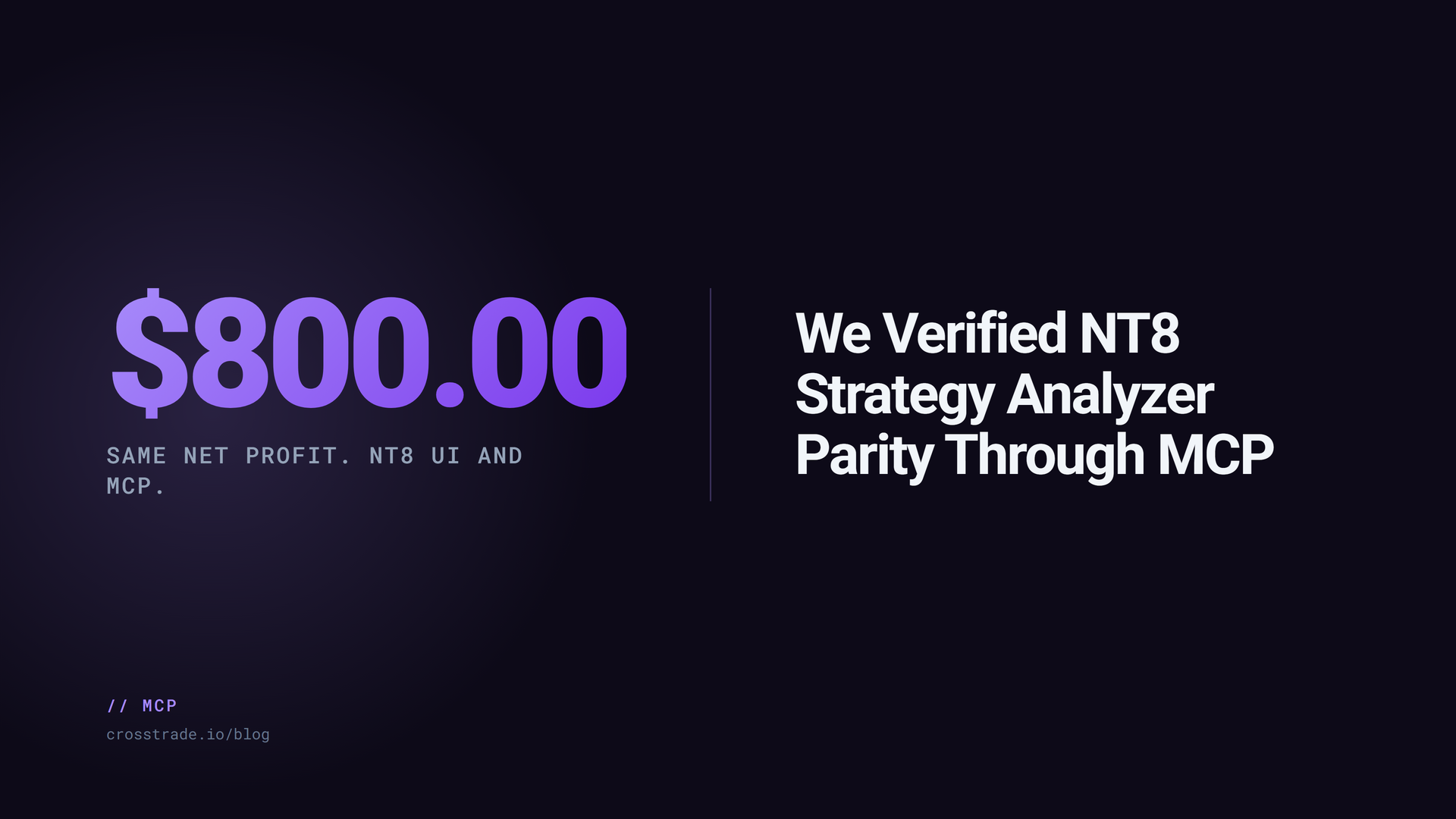
If an AI agent decides whether to deploy a strategy based on a backtest, the backtest engine has to be the same one that will run the strategy live. Otherwise the agent's "go" is meaningless. Different fill logic, different slippage handling, different bar treatment, and you are comparing the wrong numbers.
This is why CrossTrade MCP's RunStrategyBacktest drives NT8's actual Strategy Analyzer engine instead of a clone. Single backtests are bit-identical to NT8's desktop UI for the documented reference parameters. This post is the parity proof.
Why traders should not trust black-box AI backtests
"Backtest" without an engine name is salesmanship. Two different engines on the same strategy can produce wildly different metrics. NT8's Strategy Analyzer is the engine your strategy will run on when it goes live. It is the only backtest that matters for an NT8 deployment decision.
Test setup
Reference parameters:
- Strategy: SampleMACrossOver (ships with NT8).
- Instrument: MES 06-26.
- Time range: April 1 to April 30, 2026.
- Bars: 5-minute.
- Parameters: Fast = 10, Slow = 25.
- Account: Sim101.
- Commission: $0.
- Slippage: 0 ticks.
The instrument and date range are chosen because the SampleMACrossOver strategy ships with NT8, every user can reproduce, and the result has a non-trivial number of trades for the period.
NT8 UI run
Open Strategy Analyzer in NT8. Select SampleMACrossOver. Set the parameters above. Run. Record NetProfit, ProfitFactor, Sharpe, and TradeCount from the results panel.
MCP run
From any MCP client:
RunStrategyBacktest({
  strategy: "SampleMACrossOver",
  instrument: "MES 06-26",
  from: "2026-04-01",
  to: "2026-04-30",
  bars_period: { type: "Minute", value: 5 },
  account: "Sim101",
  parameters: { Fast: 10, Slow: 25 },
  commission: "0",
  slippage_ticks: 0
})
The call returns a job_id; poll GetMcpJob until status is completed. The completed result contains a metrics block with NetProfit, ProfitFactor, Sharpe, and TradeCount.
Result comparison
The metrics match. Same trades, same fills, same fitness numbers. This is what we mean by "bit-identical for single backtests." The MCP path is the same engine, called the same way, with the same inputs.
What parity proves
- The engine is the same. There is no hidden simulator with different fill logic.
- An agent that makes deployment decisions on MCP backtest results is making them on the same numbers you would see in NT8's UI.
- The compile-backtest-deploy loop the agent runs is consistent end to end.
What parity does not prove
- It does not predict future trades. A great backtest is a hypothesis.
- It does not validate parameter sweeps. Cartesian search overfits noise no matter how faithful the engine.
- It does not include realistic slippage or commission unless you set them. The reference uses zero for clarity; you must add your own for production decisions.
- It does not protect against bad strategy logic. A bad strategy backtests faithfully and trades badly.
How agents use this in a compile/backtest loop
The typical agent loop:
- Author NinjaScript.
CompileNinjaScript(in_memory: true)until green.WriteNinjaScriptFilewith user confirmation.RunStrategyBacktestwith quantitative gates: profit factor, max drawdown, trade count.- If gates pass, optional
RunStrategyBacktestwith a parameter sweep. - Re-run single backtest on the winner.
DeployStrategyafter explicit user confirmation.GetDeployedStrategyState; confirmis_trading: true.
Parity is the property that makes step 4 meaningful. If the agent's metrics disagreed with the UI, every later step would be guessing.
How to reproduce
Set up Strategy Analyzer with the reference parameters and run it. Run the same configuration through MCP. Compare the metrics. Both numbers should agree. If they don't, capture the deltas and reach out; either your install differs from ours in a way worth knowing, or we have a parity bug to fix.
See the benchmark page for the running reference and methodology, and the RunStrategyBacktest docs for the full parameter shape.