
Claude Code, NinjaScript, and the Compile Loop Traders Actually Needed
The reason AI-generated NinjaScript usually fails is that the model has never seen your install. CrossTrade MCP plus Claude Code changes that. The compile loop now converges in three or four iterations.

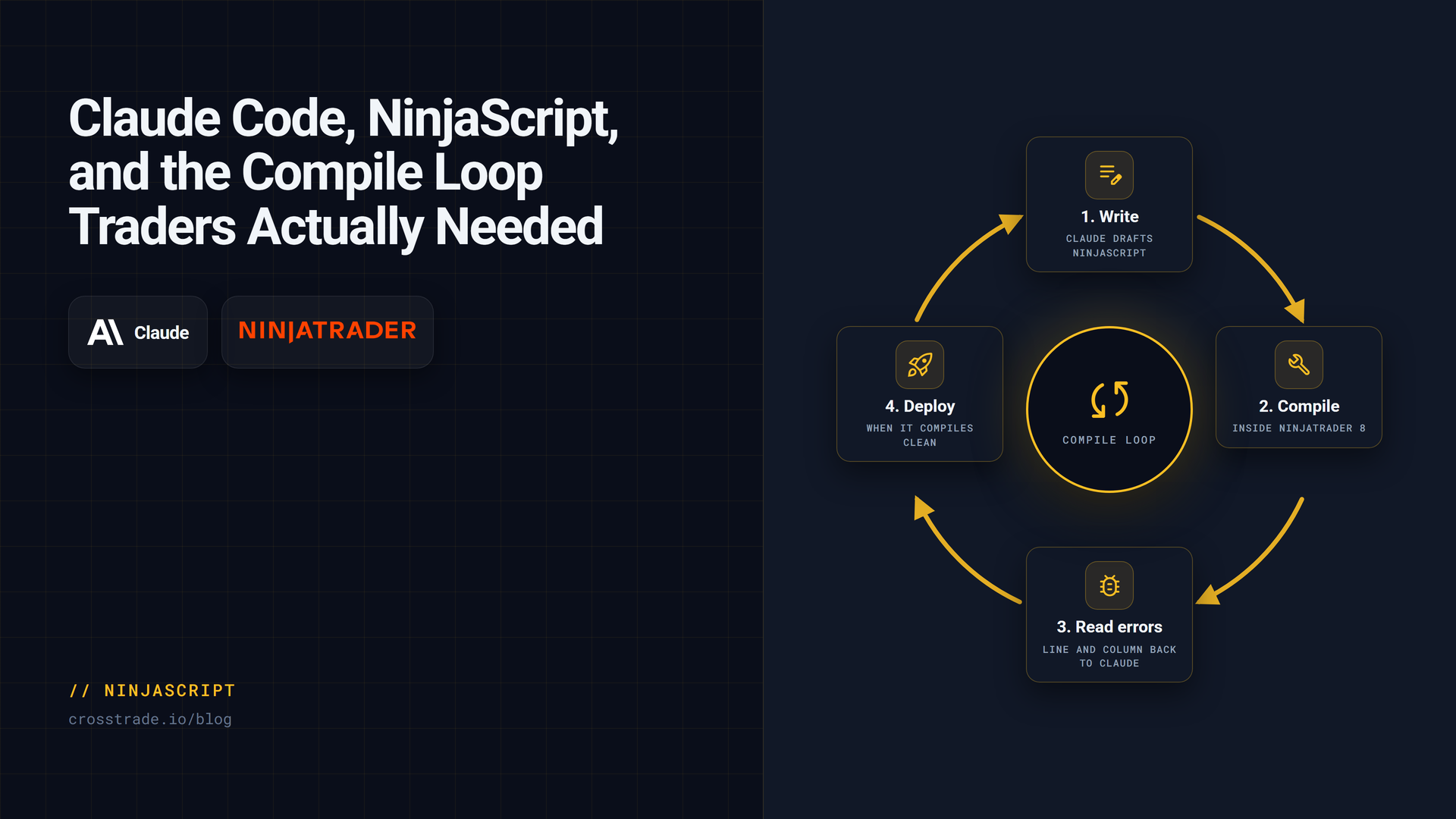
If you have ever pasted AI-generated NinjaScript into NT8, you have lived through this loop: compile fails, paste error back to the chat, model swears it understands, new code arrives, new compile error appears, repeat. The reason the loop does not converge is simple. The model has never looked at your install.
Why AI-generated NinjaScript fails
Models hallucinate the NT8 API in characteristic ways:
- They reference indicators that do not exist in your install.
- They pick method overloads that were removed two versions ago.
- They write
EmaCrossinstead ofCrossAbove(EMA(9), EMA(21), 1). - They call
SetTrailStopwith the wrong argument shape. - They invent helpers that look plausible but are not in the runtime.
The fix is not better prompts. The fix is letting the model look at the actual NT8 surface.
The compile loop
CrossTrade MCP exposes four tools that turn the loop into something that converges:
GetNinjaScriptHelp: help text for a symbol or topic.SearchNinjaScriptSymbols: fuzzy search of the live NT8 type and member surface.LookupNinjaScriptSymbol: resolve a single name to its overloads.CompileNinjaScript(in_memory: true): compile against the running NT8 AppDomain without touching disk.
With these, the model resolves overloads against your install before generating, compiles in memory after generating, reads the diagnostics if compile fails, looks up the unresolved identifier, and rewrites. The loop converges in three or four iterations on typical strategies.
What CrossTrade exposes to the agent
Claude Code is a particularly good environment for this work because it can edit local files and call MCP tools side by side. The agent writes a candidate source string, calls CompileNinjaScript(in_memory: true), reads the result, fixes, recompiles. When compile is green, the agent calls WriteNinjaScriptFile after explicit user confirmation.
Example strategy edit
Prompt:
Write a NinjaScript strategy called MyEmaCross for MES. Long when 9-EMA crosses above 21-EMA. ATR-based trailing stop with multiplier 2.0. Maximum 4 contracts. No averaging down. Max two trades per session. Before writing, call GetNinjaScriptHelp on EMA, ATR, CrossAbove, SetTrailStop. Compile in memory. If compile fails, LookupNinjaScriptSymbol on the unresolved identifier and repair. Only WriteNinjaScriptFile after I confirm.
The agent's first three tool calls are GetNinjaScriptHelp on each symbol. The fourth is CompileNinjaScript with the generated source.
Compile failure and repair
A typical first compile result:
{
"success": false,
"errors": [
{ "file": "MyEmaCross.cs", "line": 42, "message": "CS0103 The name 'EmaCross' does not exist in the current context." }
]
}
The agent reads the error. The unknown identifier is EmaCross. The agent calls SearchNinjaScriptSymbols("ema cross"), finds CrossAbove and CrossBelow, and rewrites line 42 to use the correct call. Recompile. Green.
Backtest gate
Once compiled and written, the agent does not deploy. It runs a backtest first. The recommended pattern is:
RunStrategyBacktest(
strategy: "MyEmaCross",
instrument: "MES 06-26",
from: "2026-04-01",
to: "2026-04-30",
bars_period: { type: "Minute", value: 5 },
account: "Sim101",
commission: "0", slippage_ticks: 0
)
The metrics block returns. The agent applies your gates: profit factor above the threshold, max drawdown below a cap, trade count above a minimum. If any gate fails, the agent stops and reports which one.
Deployment gate
If the backtest passes the gates and the agent has mcp:trade, it asks for explicit user confirmation, calls DeployStrategy, then calls GetDeployedStrategyState to confirm is_trading: true. If the strategy is deployed but not trading, the agent reports the errors field instead of claiming success.
Link to AI NinjaScript page
For the full pattern with all prompt variations, see Build and Backtest NinjaScript Strategies with AI and the trader-facing Learn page.
This is the compile loop most traders wanted three years ago. It exists now because the model can look at your install.